


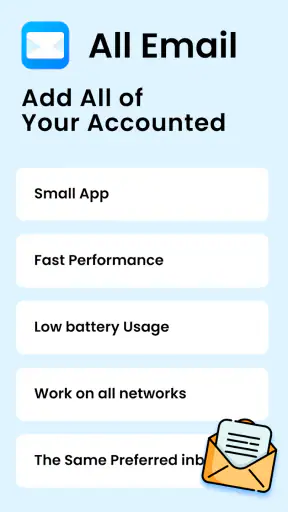
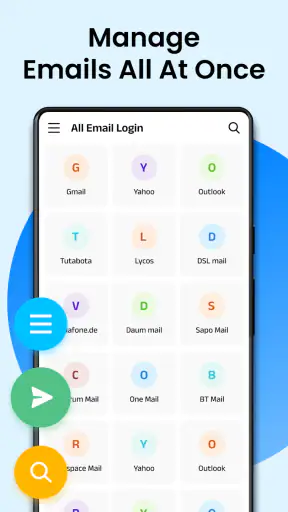
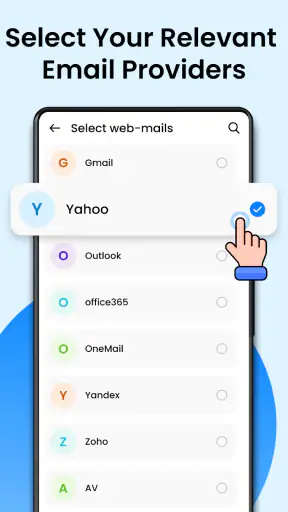
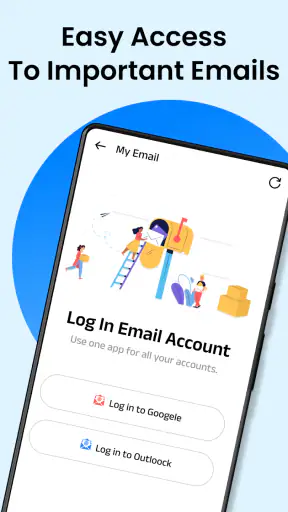
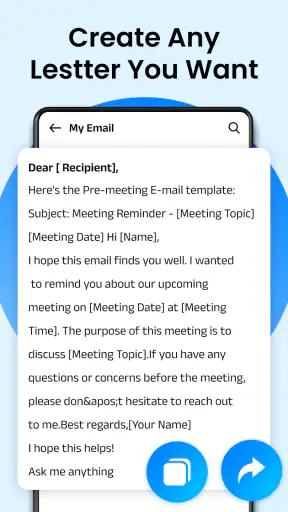
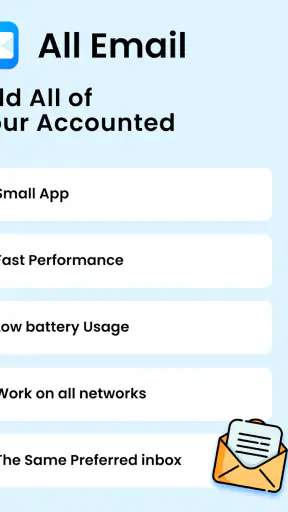
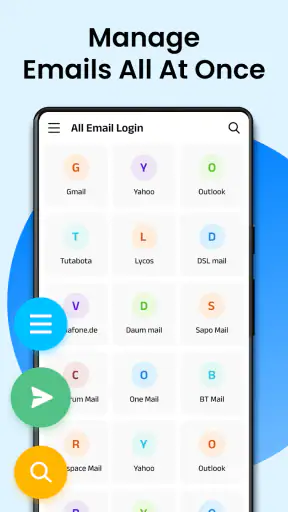
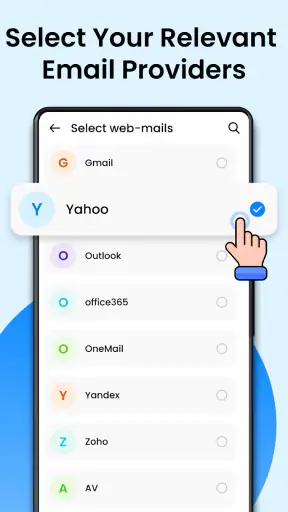
Email - Email Login is the kind of communication app that makes sense when your daily life is spread across several inboxes. I tested it as a central place for handling email accounts, and my first impression was practical rather than flashy: its value comes from reducing the need to jump between separate mail applications. That sounds simple, but it matters when one address is personal, another belongs to work, and a third is used for shopping, registrations, or travel.
The app is free to install, aimed at Everyone, and developed by All Email Connect -Fast & Secure Mail. It has reached over five million installs and holds a 4.3 average from around sixty-three thousand ratings, which suggests that the basic idea is resonating with a substantial Android audience. It was released on March 26, 2024, and the current version is 3.1.3. Those details are useful context, but the real question is whether putting several accounts in one interface makes email easier for you.
One inbox for a life that keeps moving
The main appeal is consolidation. Instead of treating each email address as a separate destination, I can approach my messages from one app and decide which account needs attention. That is especially helpful for people who regularly switch between personal and professional communication, or who maintain an older address alongside a newer one.
I found the arrangement most useful during ordinary transition moments: leaving home, waiting for an appointment, moving from a personal task to a work task, or checking a confirmation while travelling. In those situations, the benefit is not that email becomes more sophisticated. The benefit is that the app reduces the number of places I need to remember.
That convenience also changes how I think about notifications. When several accounts are handled together, a message can feel more urgent simply because it appears in the same stream as everything else. I recommend creating a habit of checking the account identity before replying. A quick glance at the sender and the account you are using can prevent the embarrassing mistake of answering a work contact from a personal address.
This is one of the app’s less obvious trade-offs. A unified email tool lowers friction, but it also makes boundaries less visible than they are when every account has its own application. If you value strong separation between work and private mail, the usual dedicated clients may feel safer and clearer.
How network access shapes the experience
Email is closely tied to connectivity, and this app is no exception in practical use. When the connection is stable, moving between accounts and checking recent messages feels natural. When the network is weak, the experience becomes more dependent on waiting, refreshing, and confirming whether the screen reflects the latest state.
I would be cautious about treating a message as fully handled just because it appears on screen. In a poor-coverage area, I prefer to wait for the account view to settle before closing the app, especially after sending something important. The same applies to attachments and long conversations: a visible thread is not always the same thing as a completed action when the connection is fluctuating.
A realistic example is a train journey. I might open the app at the station, read a message from a client, and prepare a reply while the signal changes between strong and weak. The sensible workflow is to compose carefully, check the recipient and account, and then remain in the conversation long enough to see whether the action completes. If the network drops, I avoid tapping repeatedly, because repeated attempts can create uncertainty about whether a message was sent once or more than once.
This is where a dedicated email client with clearly documented synchronization behavior may be preferable for demanding users. Email - Email Login is convenient as a common access point, but convenience should not replace a careful connection check when the message is time-sensitive.
Why it fits mobile routines
The app is best suited to short, frequent interactions rather than long sessions of inbox administration. On a phone, I want to identify the account, read the important part of a message, and decide what happens next. A multi-account setup supports that rhythm because I do not have to mentally switch applications every time the context changes.
It also helps people who use different addresses for different purposes. A separate shopping address can be checked alongside a personal inbox without requiring a second app. Someone managing a small side business may appreciate the same arrangement for keeping customer conversations available while still retaining access to private mail.
My practical advice is to build a simple account-checking routine. Start with the account connected to the most urgent part of your day, then move to lower-priority addresses. This is more reliable than opening the app and reacting to whichever message happens to attract attention first. The unified design can save time, but it can also encourage constant checking if every account is treated as equally important.
Typing on a phone remains a limitation regardless of how accounts are organized. For detailed replies, editing a long message, or comparing several pieces of information, I would still rather use a larger screen when possible. The app makes access more convenient; it does not turn a mobile keyboard into a desktop workspace.
Recovery when a connection or action goes wrong
The most important test for a communication app is not the perfect moment. It is what I do when something feels uncertain. A weak connection, an interrupted refresh, or a delayed response can make users wonder whether they should try again. With this app, I recommend a calm recovery process: stop tapping, check the conversation, verify the account, and then repeat the action only when the connection appears dependable.
This approach is particularly important when sending from one of several addresses. If I am moving quickly, I can lose track of which account was active. Before resending, I check the sender identity, recipient, subject, and whether the message already appears in the conversation. That small pause is more valuable than speed.
The same caution applies to switching between accounts during a busy moment. I would not draft a sensitive reply while distracted and then assume the selected address is obvious. A unified app is efficient, but it asks the user to pay closer attention to context. The interface may bring accounts together, yet responsibility for the final check remains with me.
For people who often work in unreliable coverage, I would suggest treating the app as an access hub rather than the only place where important information exists. Keep essential phone numbers, booking references, or work instructions available through another dependable method when appropriate. That is not a criticism unique to this application; it is a sensible response to the network-dependent nature of email.
Using it without wasting mobile data
Centralizing accounts can make checking faster, but it can also encourage more frequent browsing. If I open every inbox whenever I have a spare moment, the app becomes a source of unnecessary activity rather than a focused tool. I prefer to decide what I am checking before opening it: a work reply, a delivery message, a personal conversation, or a security notice.
That habit has two benefits. It reduces distracted scrolling and makes network use more intentional. When coverage is limited, I avoid repeatedly refreshing several accounts just to see whether anything has changed. I check the account that matters first, then leave the rest until I have a better connection or a genuine reason to look.
There is also a privacy angle to shared access. Bringing accounts into one application is convenient, but it means the phone becomes a more concentrated gateway to personal and professional correspondence. I would use a device lock, avoid leaving the app open in public, and be careful when handing the phone to someone else. These are everyday precautions, but they become more important when multiple inboxes are available from one place.
The app includes in-app purchases priced from ninety-nine cents to sixteen dollars and ninety-nine cents per item. Since the basic download is free, I would first use the central account workflow and decide whether it genuinely improves my routine before paying for anything. I would not choose it on the assumption that an optional purchase will solve every connectivity or organization problem.
Where it beats the usual alternatives
The obvious alternative is to use the official application for each email provider. That approach can offer a stronger sense of account separation and may be preferable if one provider’s tools are central to your work. It can also make it easier to associate a particular notification with a particular account. The cost is app switching, duplicated settings, and more clutter on the phone.
Email - Email Login is more appealing when the problem is fragmentation. If I do not want several mail apps competing for attention, a single communication app is a straightforward answer. It is also a good match for people who check multiple addresses casually rather than relying on advanced provider-specific workflows.
Another alternative is a full-featured third-party email client. Those apps may be better for users who need elaborate sorting, deep calendar connections, specialized productivity controls, or highly detailed account management. I would choose one of those when email is the center of my professional workflow. I would choose this app when the priority is simple access to multiple accounts from one mobile location.
That distinction matters because “more accounts in one place” is not automatically the same as “better email management.” The app solves the first problem well in principle. It is less compelling for someone who wants a complete office system inside the inbox.
Who should use it, and who should skip it
I would recommend Email - Email Login to a person who owns several email addresses and is tired of opening separate applications. It is particularly suitable for a mobile-first user who checks messages in short bursts, travels between different contexts, and wants a consistent starting point for personal, work, and secondary accounts.
It can also suit families or individuals who maintain distinct addresses for registrations, purchases, newsletters, or projects. The central approach makes those accounts easier to reach without requiring a separate mental map for every provider.
I would be more hesitant to recommend it to someone who rarely uses more than one inbox, because the main advantage would largely disappear. I would also suggest looking elsewhere if strict separation is essential, if you depend heavily on provider-specific tools, or if your work requires complex message processing throughout the day.
Users with unreliable connectivity should not reject it automatically, but they should understand the trade-off. The app can remain useful for mobile access, yet important actions deserve confirmation rather than blind repetition. If your routine involves sending urgent messages from areas with unstable coverage, a more specialized workflow may give you greater confidence.
My day-to-day verdict
After using it as a multi-account email hub, I see the strongest value in its simplicity. It does not need to reinvent email to be useful. By bringing several addresses into one mobile destination, it removes a common source of friction and makes quick checks easier.
Its weaknesses come from the same design choice. When accounts share one space, I have to be deliberate about the sender identity, the importance of each inbox, and the status of actions made over a changing network. The app is convenient, but it rewards users who slow down for the final check.
With a 4.3 average and more than five million installs, it is clearly established enough to deserve consideration, while the Everyone age rating keeps its audience broad. I would start with the free version, add the accounts I genuinely need, and test it during the places where I normally check email: commuting, waiting, travelling, and switching between personal and work tasks.
My final recommendation is simple: choose it if your biggest annoyance is app switching and your email habits are mostly mobile and straightforward. Skip it in favor of a dedicated provider app or a more advanced client if separation, specialized controls, or demanding professional workflows matter more than convenience. For the right user, Email - Email Login is a practical way to make a connected, multi-inbox routine feel less scattered.


